Access Partner Portal
Ask a Question
Have a question? Fill out the information and someone will contact you soon.

License Agreement
By downloading from Kodak Alaris, you agree to the terms & conditions outlined in the license agreement. Actual file size for multilanguage downloads may vary.
Windows Drivers
The installation process can be complex. Please read the release notes before downloading. By downloading from Kodak Alaris, you agree to the terms & conditions outlined in the license agreement. Actual file size for multilanguage downloads may vary.
Operating systems tested on:
Go to specifications for complete list, review release notes for details.
Version: 8.7
KODAK i900 Series Scanner Drivers - Linux
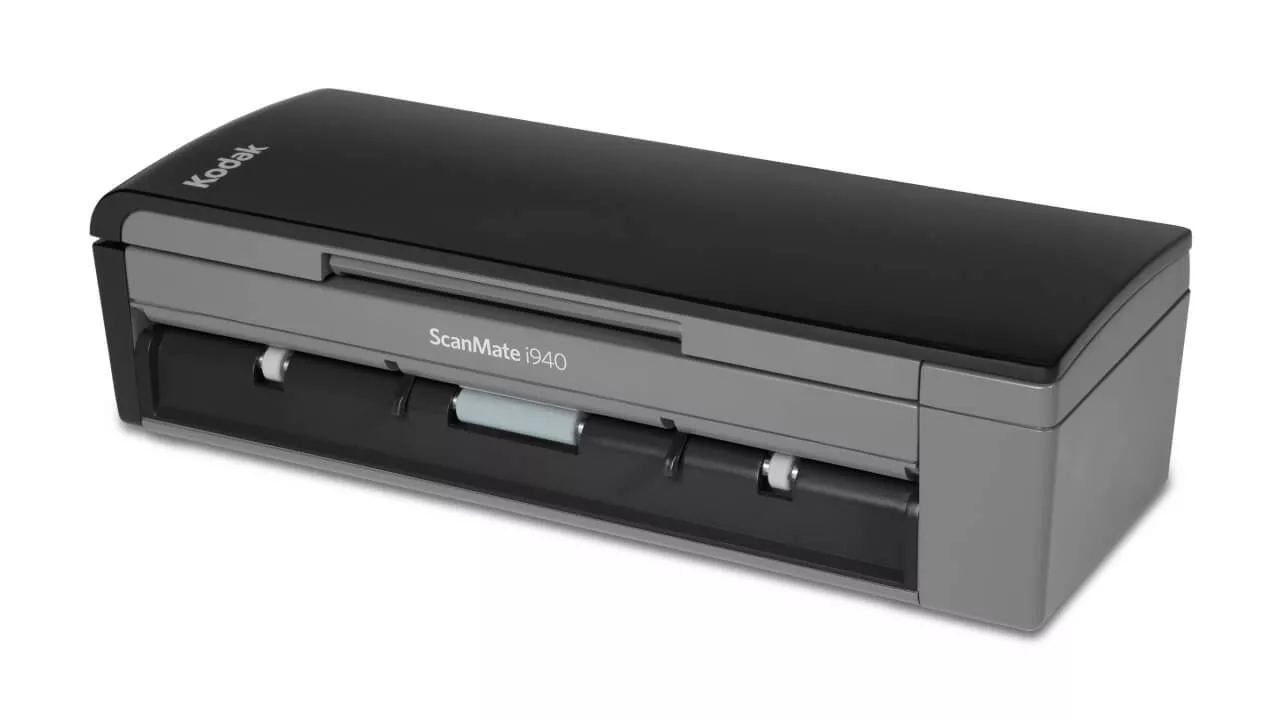
NOTE: LINUX drivers are not valid for the KODAK i920 Scanner. Download 32-bit and 64-bit LINUX Drivers for the KODAK ScanMate i940 Scanner only.
Operating systems tested on:
32-bit 32-bit and 64-bit LINUX Driver files do not include Guides. Expand the file (e.g., tar -xf *.gz) and then run the setup script (i.e. sudo ./setup)
Version: 7.1
Deb Linux 32 Bit RPM Linux 32 BitDeb Linux 64 Bit RPM Linux 64 Bit
KODAK Capture Pro Software Limited Edition
Capture and index your critical data and send smarter information to ECM systems and business applications to streamline your workflows and processes.
Smart Touch for KODAK i900 Series Scanners
Smart Touch software allows you to easily create searchable PDF's (or other types of images) and send the document to a file location or common cloud services with the touch of a button.
Please read the release notes before downloading. By downloading from Kodak Alaris, you agree to the terms & conditions outlined in the license agreement.
Kofax VRS Support
The KODAK ScanMate i940 Scanner has been certified by Kofax with the following VRS versions:
For more information see the Kofax Scanner Configurator.
Version: 5.1
Developer Toolkit
Kodak Alaris has several integration options for our scanners. We have traditional thick client integration options with our TWAIN and ISIS and WIA drivers as well as an easy to use Scanner SDK.
We also have a state of the art RESTful Web API for integration to our network enabled scanners from any platform without installing host drivers.
Do you want to get the most from our products? Read frequently asked questions about this product.
For information on how to contact Kodak Alaris support, please visit Kodak Alaris Services and Support.
Refer to the User's Guide for Smart Touch for information about using this software.
Clean Scanner using procedure documented below:
CAUTION:
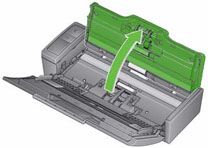
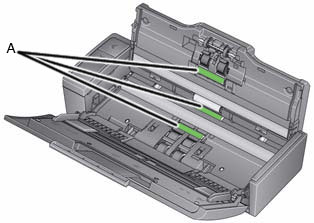
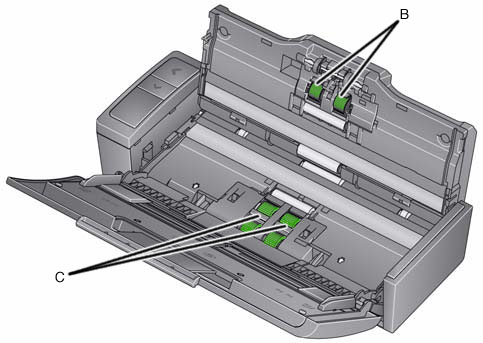
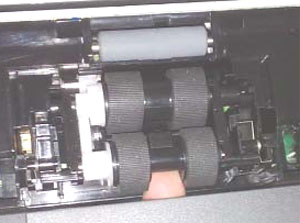
Removing the feed module:
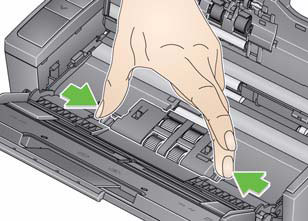
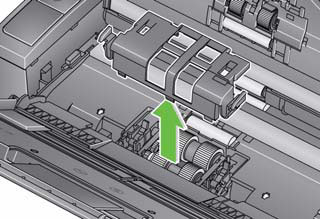
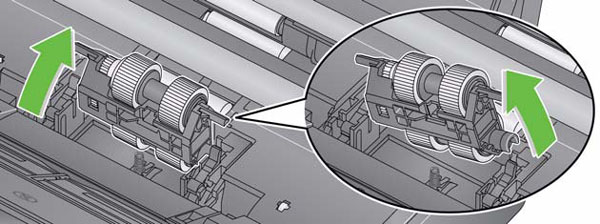
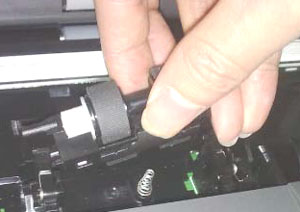
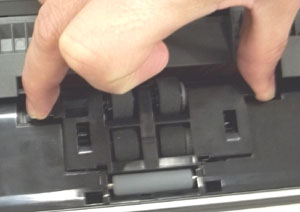
Installing the feed module:
Removing the separation roller:
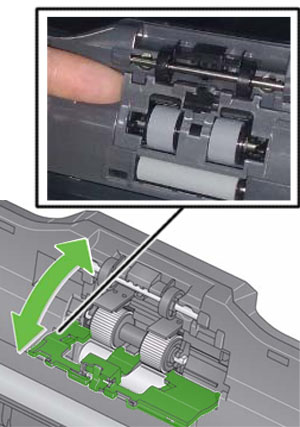
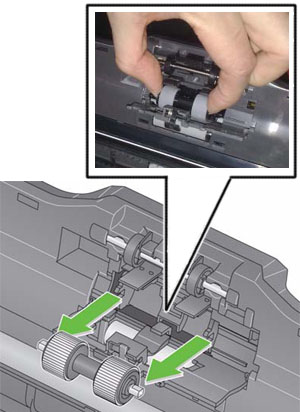
Installing the separation roller:
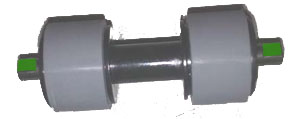
Restart the scanner:
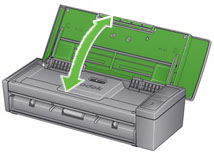
Close the scanner cover.
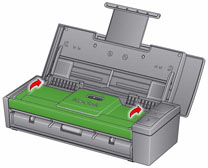
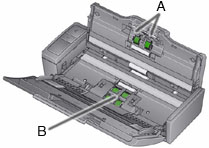
IMPORTANT: The U9 error occurs when there is a paper jam in the scanner. This error can also occur when something unexpected happens like the loss of power during scanning. With some older computer operating systems when you use the scanner without the power supply, a power starvation situation can occur.
Did a blank sheet exit the scanner while you were scanning?
----------------------------------------------------IF YES--------------------------------------------------
----------------------------------------------------IF NO ---------------------------------------------------
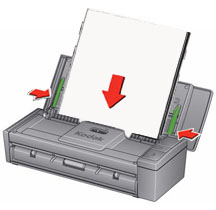
IMPORTANT: If a sheet is not fed evenly from the input tray, the scan may skew and the corners of the image may get clipped off during the scanning process.
Do the following for best results when loading documents into the scanner:
For information about available materials, see the Supplies & Consumables Catalogue for Kodak Alaris
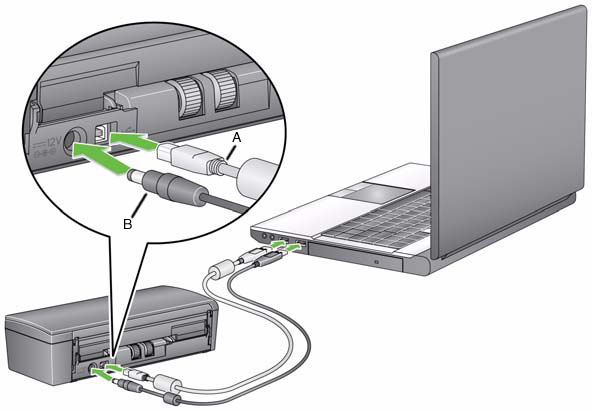
Verify that the USB cable is seated into a USB port on the computer and on the scanner.
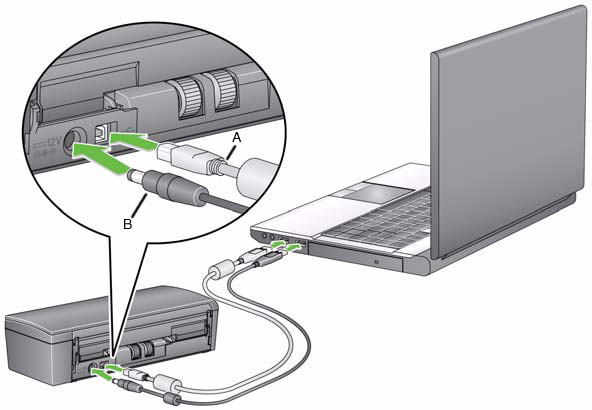
Check the connections:
Is the green greater-than LED > glowing continuously?
If No
Verify that the power outlet is working properly.
Contact your Reseller to purchase supplies and consumables. If you don't know who your reseller is, please contact us.
Have a question? Fill out the information and someone will contact you soon.