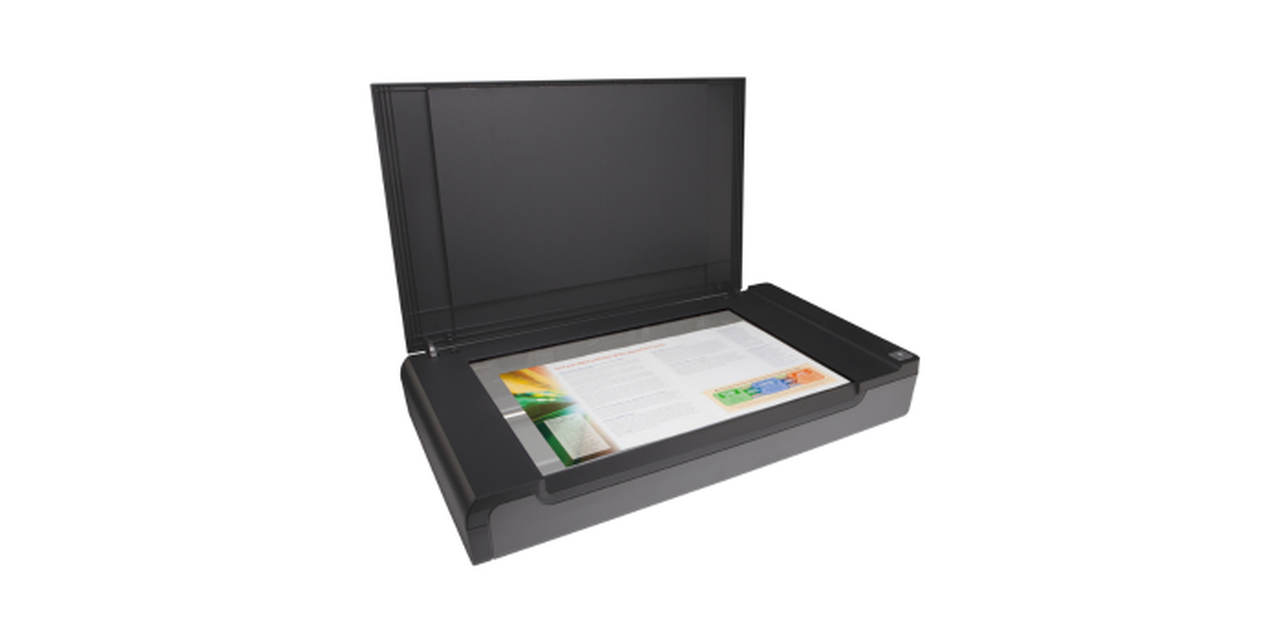
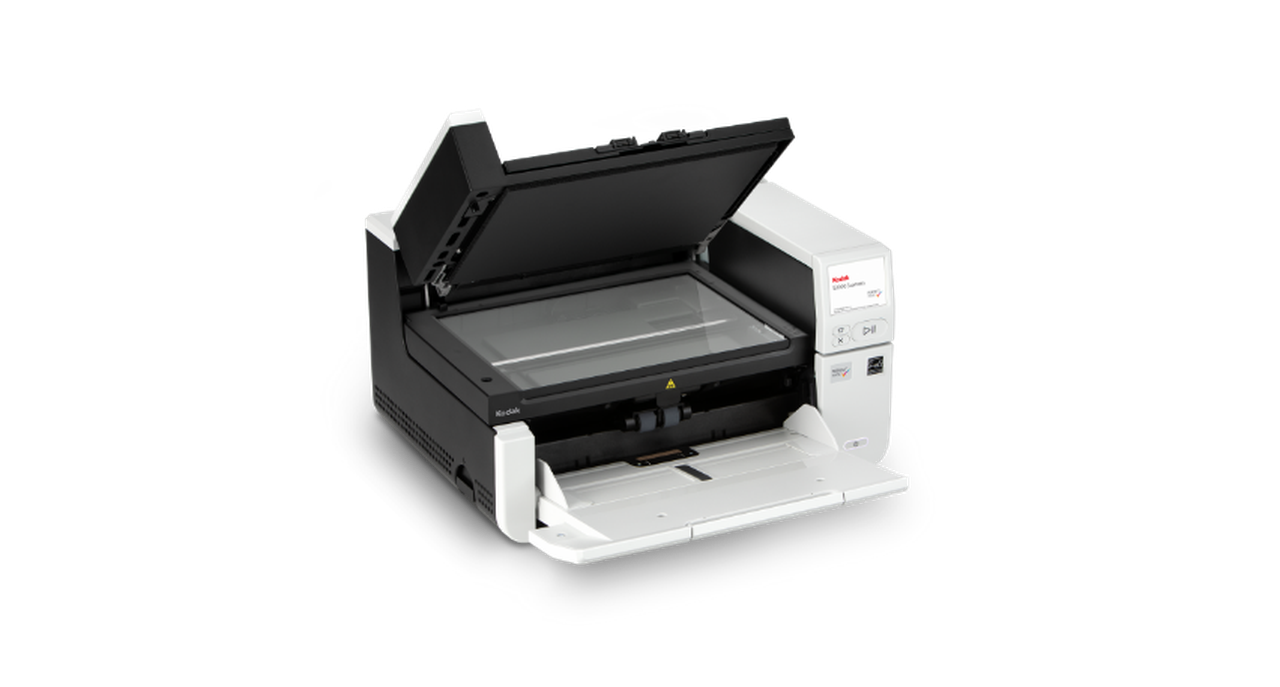
Includes: KODAK A3 Flatbed with black background, 2-meter (6-ft.) USB cable and power supply.
Usage: for scanning exception documents. Accommodates document sizes up to 305 x 457 mm (12 x 18 in.)
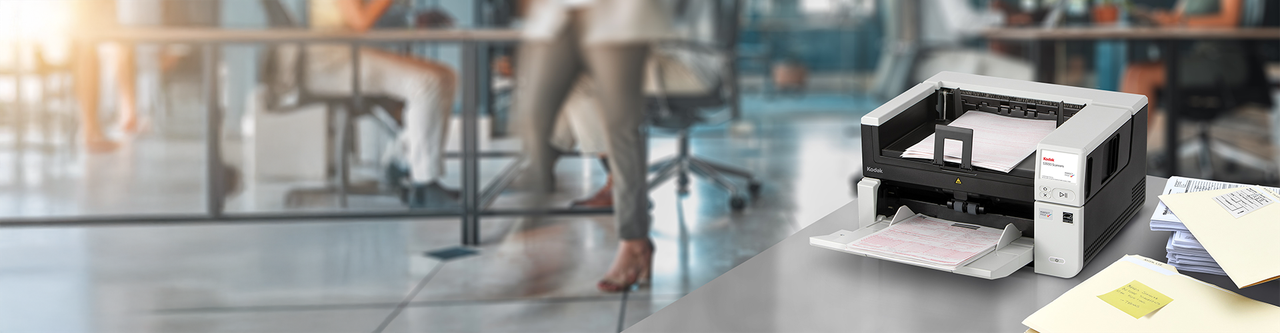
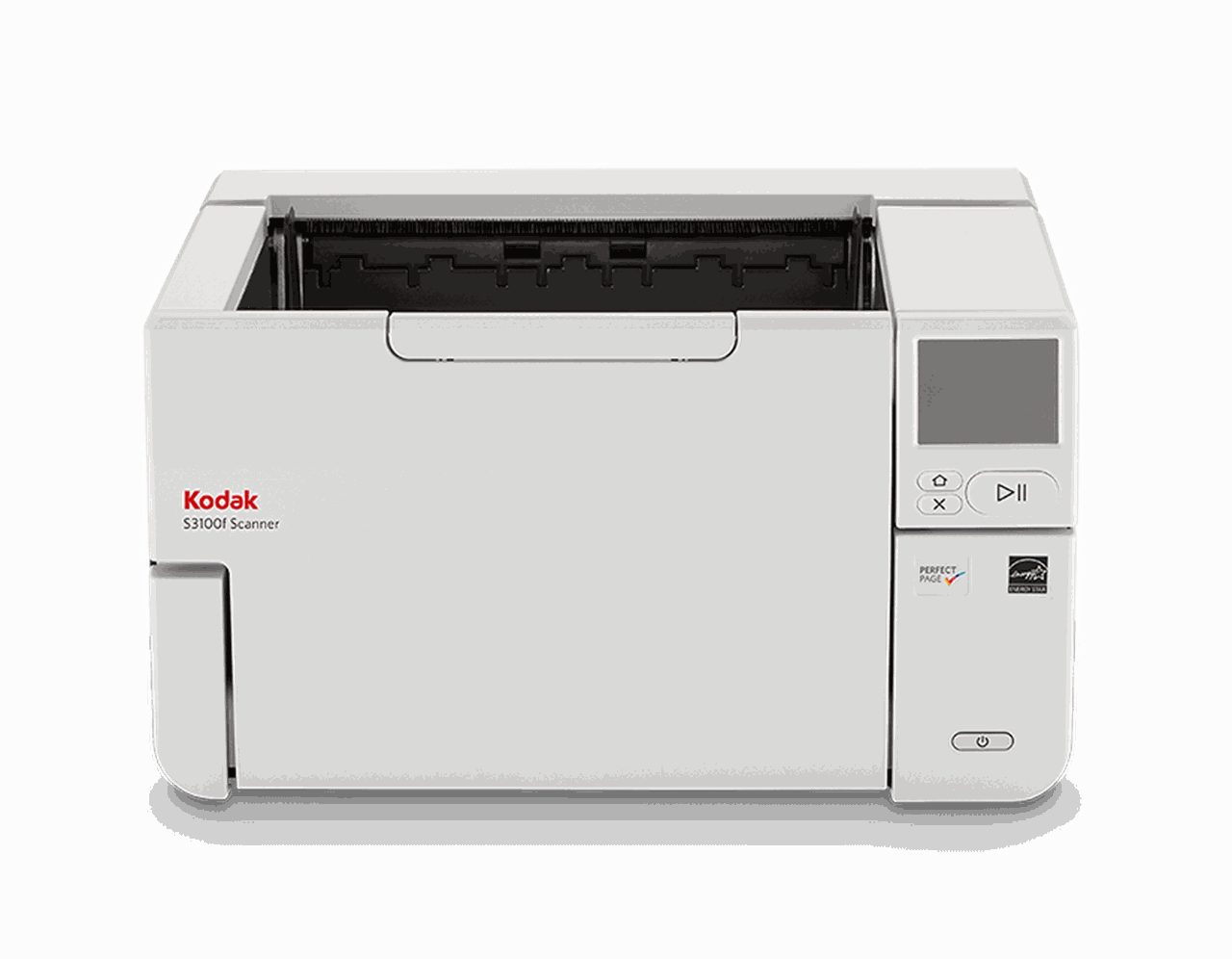
A powerful scanner built with a small footprint and designed for the best possible user experience
The award-winning KODAK S3100 Scanner is a powerful and robust A3 scanning solution designed to create the best possible user experience. Our user-focused design includes a large touchscreen with oversized buttons and front-facing input and exit trays for convenient access.
See why the KODAK S3000 Series Scanners are different:
Slashes demands on your PCs to speed scanning and boost efficiency

Large intuitive color touchscreen, personalized workflows, and Smart Touch technology to automate complicated tasks

Import information directly into applications with TWAIN, ISIS, or RESTful API based scanning

Secure-boot solution, encryption over wire for network traffic, and USB 3.2 Gen 1x1-compatible
We design our devices with smaller footprints for more compact, stable scanning and stronger feed/exit trays to reduce wear and tear. The result is up to 40% space-saving efficiency and a lower cost to operate.
Both feed/exit trays are easily accessible from the front, allowing operators to keep working without hesitation.
Twin rollers initiate the scanning process – feeding up to 100 pages per minute through a series of passive and dynamic document separation technologies to ensure that every page is scanned.
Our auto-adjusting 300-sheet feed tray constantly lifts media up to the feeding mechanism, enabling you to set it and forget it.
We design our control panels with your workflows and users in mind. Large, colorful menus make operations simple, fast, and intuitive.
Large physical buttons make the scanner easy to operate while helping to create an accessible working environment.
With Smart Touch technology, you can turn manual scanning tasks into a controlled workflow with the simple touch of a button.
Built-in Gigabit Ethernet allows multiple users to share the scanner within a department.
Protect workflows with PIN code access and unlock user-specific tasks.
With over 30 years of pioneering R&D, our imaging technology ensures we deliver a Perfect Page every time, so you can easily extract the information you need, when and where you need it. Get clear, accurate, and searchable PDF files or data extraction results for 126 different languages.
Your eyes will never see a better scanned image. No blurring, no spots, just a clean, well-cropped image that's better than the original.
Our text enhancement technology makes every letter crisp and sharp, so they stand off the page to help you make sense of your data.
Our unique dual-light illumination technology produces brighter, sharper images, eliminating shadows caused by folds or wrinkles.
The KODAK S3100 provides superior paper handling and capture speeds to accelerate your document workflows and productivity.
Double–feed detection monitors each piece of paper as it moves through the feeding mechanism. Ultrasonic sensors instantly stop the scanner when two or more pages are fed into the device, protecting data integrity.
Intelligent document protection listens for the sound of abnormalities caused by stapled documents. The moment an issue is detected, the scanner immediately stops to prevent any potential damage to your documents or the device.
Mixed batch scanning is easy, thanks to controlled stacking. Exit rollers dynamically change speed, providing greater control of the paper as it leaves the scanner and allowing it to drop neatly into the output tray.
The KODAK S3100 Scanner makes it easy to meet rigorous compliance standards, right out of the box.
For organizations that need to submit FADGI-compliant digital records to the federal government, The KODAK S3100 features a simple FADGI switch, so you can easily toggle between FADGI output mode and normal document scanning.
Automatically create images that are compliant with Modern Textual Records (MTR) standard.
It’s important to choose document scanners and other products from companies that make environmentally conscious decisions. For all of our document scanners and services, we use sustainable and/or recycled materials, and our products are Electronic Product Environmental Assessment Tool (EPEAT®) certified and Energy Star® certified. By choosing Kodak Alaris for your document scanning, you’ll always know you’re making an environmentally responsible decision.
Have a question? Fill out the information and someone will contact you soon.
| Product Highlights | Compact A3 scanner with fast scan speed and a straight-through paper path to feed thick or exceptionally long documents |
|---|---|
| Throughput SpeedsThroughput speed may vary depending on your choice of driver application software, operating system, PC and selected image processing features. | 100 ppm / 200 ipm |
| Feeder Capacity | Up to 300 sheets of 80 g/m² (20 lb.) paper |
| Connectivity | 10/100/1000 ETHERNET USB 2.0 compatible USB 3.2 Gen 1x1USB 3.2 Gen 1x1 = USB 3.1 Gen 1 = USB 3.0 (5Gbps) |
| Maximum Document SizeThe maximum document size supported by the scanner will vary based on the output image resolution and image compression used. | 305 mm x 4.06 m (12 in. x 160 in.) Continuous Cropping ModeAllows user to scan document of unlimited length |
| Minimum Document Size | 63.5 mm x 71.1 mm (2.5 in. x 2.8 in.)50 mm x 50 mm (2 in x 2 in) using hand feeding and straight paper path |
| Paper Thickness and Weight | 27–433 g/m² (7.2–160 lb.) paperRear exit for paper > 200 g/m² (110 lb.) |
| Maximum Optical Resolution | 600 dpi |
| Archival Standard Compliance | FADGI 2023: Documents (Unbound): Modern Textual RecordsValidated with Golden Thread NXT version 10.4 |
| Accessories and Consumables | Carrier Sleeves (5 PACK) Feeder Consumables Kits KODAK A3 Size Flatbed Accessory KODAK Enhanced Printer Accessory Rear Exit Tray Accessory Printer Ink Cartridge and Carrier |
| Acoustical Noise | Off or Ready mode: < 20 dB(A) Scanning: <60 dB(A) |
| Approvals and Product Certifications | Argentina (S mark) Australia/New Zealand (RCM) Canada (cTUVus & ICES-003) China (CCC) European Union (CE) European Union (GS Mark) India (BIS) Japan (VCCI) Mexico (NOM) South Korea (KC) Taiwan (BSMI) US (cTUVus & FCC) |
| Barcode Reading | Codabar Code 128 Code 3 of 9 EAN-13 EAN-8 Interleaved 2 of 5 PDF417 QR UPC-A UPC-E |
| Bundled SoftwareChoose one and download from the web | Capture Pro Limited Edition Smart Touch |
| Data Security | This scanner processes scanned data exclusively through volatile memory ensuring image data is effectively erased upon shut down.Read more about data security. |
| Dimensions and Weight | Size with tray in the upright position:
|
| Electrical Requirements | 100-240 V (International); 50-60 Hz |
| Environmental Certification | 2008 EuP ENERGY STAR Qualified EPEAT Gold |
| File Format Outputs | BMPNative scanner and driver file format JPEGNative scanner and driver file format Microsoft ExcelAvailable with bundled applications Multipage TIFFAvailable with bundled applications PDFAvailable with bundled applications PNGAvailable with bundled applications RTFAvailable with bundled applications Single-page TIFFNative scanner and driver file format Text searchable PDFAvailable with bundled applications |
| Image Output Resolution Options | Up to 1200 dpiSupported DPI: 100, 150, 200, 240, 250, 300, 400, 500, 600, 1200 |
| Network Protocols | DHCP (or static IP) TCP/IP |
| Operating System Compatibility | Kylin 10 (x86/x64 only) (Available in China only) Neokylin V7 (Intel x86/x64 only) (Available only in China) Open SUSE Leap-15.2 & 13.1 SUSE Enterprise Desktop-15.2 & 12.4 SUSE Linux Enterprise Desktop 12 SP2 64-bit Ubuntu 18.04 64-bit Ubuntu 20.04 64-bit Ubuntu 22.04 (64-bit) WINDOWS 10 (32- and 64-bit) WINDOWS 11 (64 bit)Pro Version Windows 2016 Server LTSC (64-bit) Windows 2019 Server LTSC (64-bit) Windows 2022 Server LTSC (64-bit) |
| Operating Temperature and Humidity | Operating Humidity 15% - 80% RH Operating Temperature 10-35° C (50-95° F) |
| Operator Control Panel | 3.5 inch (89 mm) graphical color touchscreen LCD with operator control buttons |
| Optional Software | Capture Pro Software Info Input Solution |
| Paper Path Options | Documents can exit into the front output tray, or at the rear of the scanner if the straight-through paper path option is manually selected |
| Sure Path Features | Controlled stacking Enhanced jam recovery Intelligent Document Protection Interactive Operator Control Panel (OCP) Length Multifeed Detection Rear exit Ultrasonic Multifeed Technology |
| Perfect Page Features | Adaptive threshold processing Add or remove border Aggressive cropping Auto white balance Autocrop Automatic Brightness/Contrast Automatic color balance Automatic color detection Automatic orientation Automatic photo cropping Background color smoothing Barcode reading Black and white image segmentation Brightness and contrast adjustment Color-on-the-fly toggle patch Content-based blank page removal Continuous Scanning Mode Deskew Digital stamping Dual stream scanning Electronic color dropout Enhanced color adjustment Enhanced color management Fixed cropping Fixed thresholding Halftone removal Image edge fill Image hole fill Image merge Image split iThresholding Lone Pixel Noise Removal Majority rule noise removal Multi-lingual auto orientation Multicolor dropoutNot available when scanning with AQIST for FADGI compliant images Orthogonal rotation Output Compression-CCITT Group IV, JPEG, Uncompressed Output Rear side printer Relative cropping Sharpening Sleeve scanning (for scanning A3 documents or multiple small documents) Snap to Size Streak filtering |
| Power Consumption | Standby: less than 0.3 watts Sleep Mode: Less than 4.7 watts Running: less than 70 watts |
| Recommended Daily Volume | Up to 45,000 pages per day |
| Recommended PC Configuration | INTEL CORE i3, running @ 3.5 GHz or higher, USB port 3.0 (Super Speed) or 2.0 (High Speed), 3.43 GB RAM or more |
| Scanning Technology | Dual RGB LED Illumination CIS (CMOS); Grayscale output bit depth is 256 levels (8-bit); color output bit depth is 24 bits (8 x 3); color capture bit depth is 48 bits (16 x 3) |
| Standard Software and Drivers | Citrix certified ISIS Drivers KOFAX certified LINUX (TWAIN and SANE) Drivers TWAIN Drivers WIA Drivers |
| Prices | $$$ |
The PDF below will have warranty information, including warranty, extended warranty, and post-warranty options.
Select your country to see its warranty information.
Kodak Alaris offers an array of Professional Services. The Professional Services range from Technical Assistance offerings (e.g., Installation, Training) to Optimization Services (e.g., Capture Workflow Assessments) and more. To inquire or purchase, contact us.
Keypoint Intelligence, the world’s leading independent tester of document imaging products, has honored Kodak Alaris with the Buyers Lab (BLI) 2023 Scanner Line of the Year Award.
Keypoint Intelligence, the world’s leading independent tester of document imaging products, has honored Kodak Alaris with the Buyers Lab (BLI) 2022 Scanner Line of the Year Award.
Kodak Alaris wins BLI's Scanner Line of the Year Award 5 of the last 6 years.
Kodak S3000 Scanner Awarded Outstanding Distributed Capture & Workflow Optimization Solution by BLI.
Includes: KODAK A3 Flatbed with black background, 2-meter (6-ft.) USB cable and power supply.
Usage: for scanning exception documents. Accommodates document sizes up to 305 x 457 mm (12 x 18 in.)
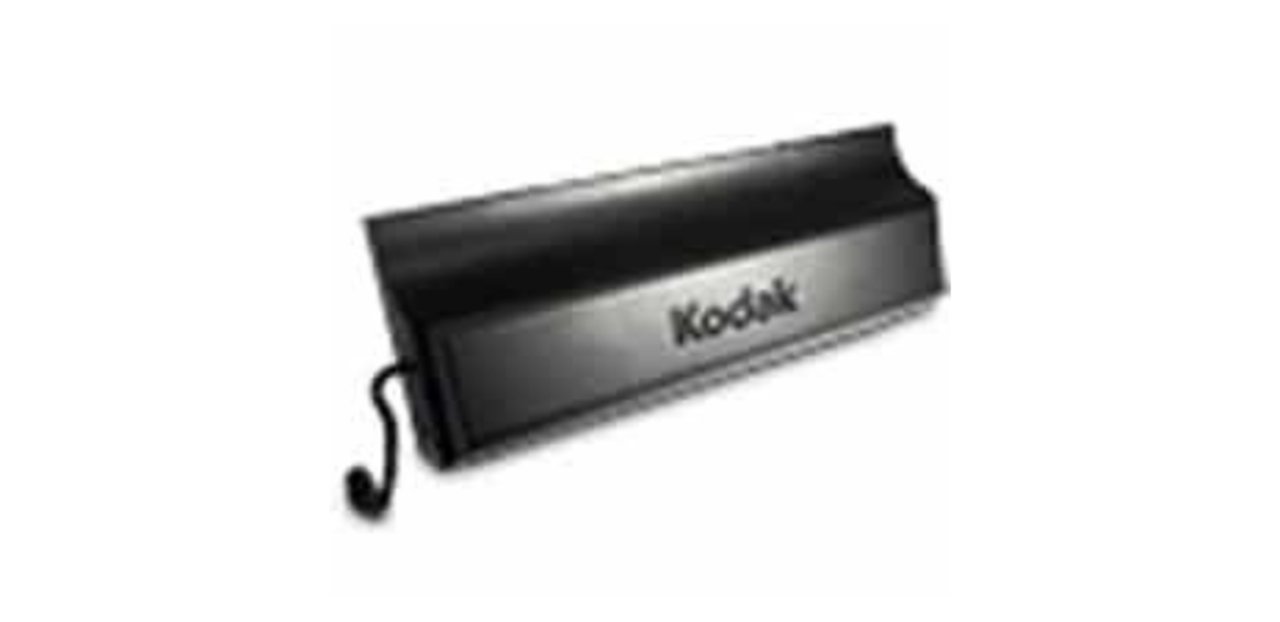
Document imprinting accessory (rear-side, post-scan imprinting of up to 40 alphanumeric characters, with 11 imprinting positions).
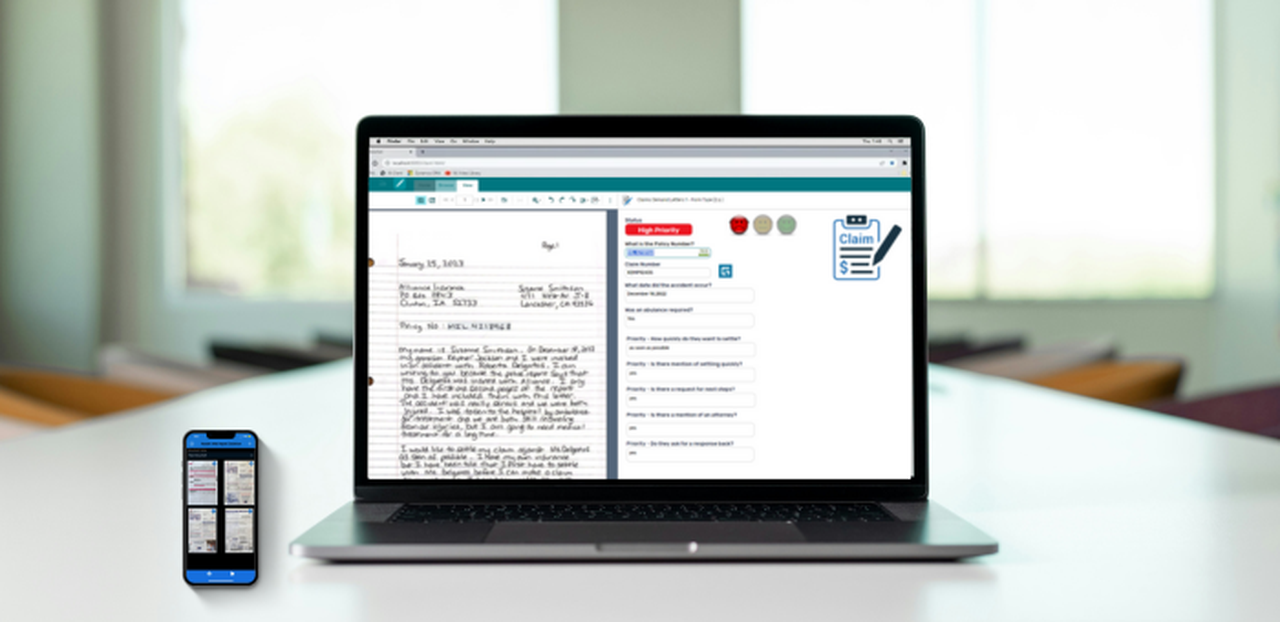
Intelligent document processing software that automates and simplifies the journey from document arrival to usage in business processes—quickly, accurately, and reliably.
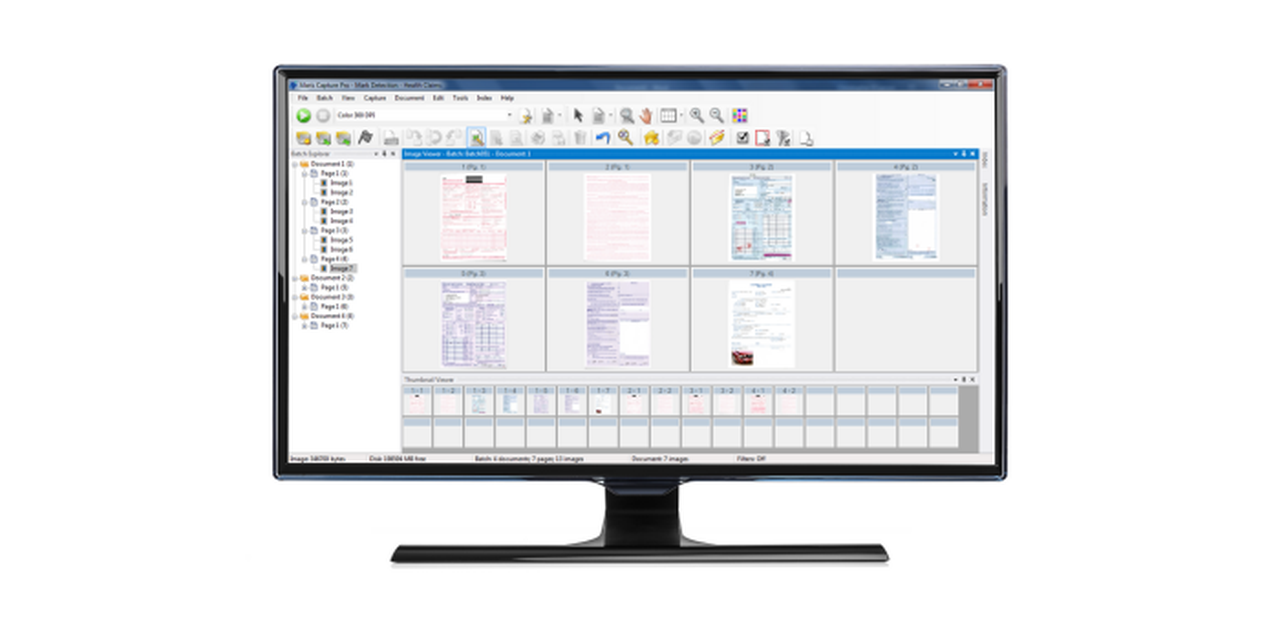
Quickly and accurately convert large volumes of paper documents into high-quality images your business can use.

Explore options to ensure you get the most out of your scanner and software investment.

Kodak Alaris can assist you with your technology by providing basic product installation, product upgrades, business relocation, and setup.
Download the latest S2085f/S3000 Windows drivers here
Operating Systems that were tested with this release are listed in the notes below.
For a complete list of supported operating systems, please visit our product specification page.
Download the latest S2085f/S3000 Windows drivers here.
Please Note: Customers must install the TWAIN driver prior to installing ISIS.
Operating Systems that were tested with this release are listed in the notes below.
For a complete list of supported operating systems, please visit our product specification page.
Operating systems tested on:
Go to specifications for complete list, review release notes for details.
*Note: *32-bit and 64-bit LINUX Driver files do not include Guides. Expand the file (e.g., tar -xf *.gz) and then run the setup script (i.e. sudo ./setup). Network connection not supported with Linux.
Deb Linux 32 BitRPM Linux 32 BitDeb Linux 64 BitRPM Linux 64 Bit
Latest firmware for the S2085f/S3000 Series Scanners
Release Notes Firmware - Windows Firmware - Web Browser (.sig)
For the creation of a secure document to configure the network settings for a KODAK S2085f/S3000 Series Scanner click on the download button to go to https://easysetup.kodakalaris.com
This website allows for:
the creation of an encrypted QR barcode document that can be printed. The document is then scanned to configure the configuration for the scanner, including the network configuration. For additional details please review Section 2 of the User Guide on how to use the EasySetup document.
a PDF to be saved which can then be distributed to remote users for scanner setup
Once the encrypted QR barcode is printed, it is used by executing the EasySetup option under the settings menu on the scanner OCP.
Capture and index your critical data and send smarter information to ECM systems and business applications to streamline your workflows and processes.
Smart Touch software allows you to easily create searchable PDF's (or other types of images) and send the document to a file location or common cloud services with the touch of a button.
Please read the release notes before downloading. By downloading from Kodak Alaris, you agree to the terms & conditions outlined in the license agreement.
Installing the Smart Touch Export Tools installs the tool used to export your Smart Touch setting shortcuts from one computer to another. This tool is only for Windows Operating Systems.
The KODAK S2085f/S3000 series scanners has been certified by KOFAX with the following VRS versions:
VRS Elite 5.2 <-Component installer update required
For more information, see the KOFAX Scanner Configurator
Kodak Alaris has several integration options for our scanners.
We have traditional thick client integration options with our TWAIN and ISIS and WIA drivers as well as an easy to use Scanner SDK.
We also have a state of the art RESTful Web API for integration to our network enabled scanners from any platform without installing host drivers.
Protecting Customer Information — Scanners from Kodak Alaris process scanned data exclusively through volatile memory ensuring image data is effectively erased upon shut down.
This scanner contains non-volatile storage (NVRAM), and volatile memory (SDRAM).
Volatile memory is used to store customer image data. It is erased when the device is turned off.
Non-volatile memory is used to store program data, scanner settings, and scanner calibration data. No customer image data is stored in non-volatile memory.
The only scanner settings stored permanently are the Energy Star settings. No other customer data is stored in the non-volatile memory.
NOTE: The image data is passed to a PC which has its own ability to store images and information. The customer will also need to consider what precautions must be taken to secure the data on the PC.
Do you want to get the most from our products? Read frequently asked questions about this product.
Please refer to the installation steps from Chapter 2 of the User Guide to complete the install.
The KODAK S2085f and S3000 scanners support the A3 Flatbed Accessory Scanner.
For information about available materials, see the Supplies & Consumables Catalogue for Kodak Alaris
One security feature of the S2085f/S3000 Series Scanners is the symmetric encryption of the data encoded in the barcode of the EasySetup sheets. We have taken steps to ensure that the setup data that is encoded in this barcode cannot be extracted.
The S2085f/S3000 Series Scanners include a “Single User Mode” that will allow only one host PC to access a scanner over a network connection. If the scanner is set up for Single User Mode, the first PC to connect with the scanner over a network becomes the single “network owner” of the scanner. From that point on, network ownership of the scanner cannot be cleared or charged without resetting the scanner to factory defaults which requires physical access to the scanner.
Please view our S2085f / S3000 Series Scanner Troubleshooting Guide for assistance.
Try updating your USB bus’ chipset driver, using a USB 2.0 only port, or using a USB 2.0 cable.
This error occurs when attempting to scan over the network with the scanner in Single User Mode. The scanner must be in multi-user mode to allow for successful network-based scans.
To enable multi user scan mode - on the operator control panel:
1. Select the three lines in the green circle at the top right.
2. Select “sharing mode”
3. Select “Multiple User Mode”
4. Restart the scanner and the scanning application.
The KODAK S2085f and S3000 Series of departmental scanners bring many new innovations that enhance and improve the scanning experience. In addition to faster document scanning speeds when compared to the previous generation, the new scanners utilize onboard image processing which removes the task of image processing from the host machine. This speed up operations and can improve the workflow of the scanner operator. Additionally, the S2085f and S3000 Series Scanners are equipped with network-based scanning which allows the scanner to be connected to the network instead of via a traditional USB cable.
For information on how to contact Kodak Alaris support, please visit Kodak Alaris Services and Support.
Secure boot is a new feature with the KODAK S2085f and S3000 Series Scanners. It enhances your organization’s security by ensuring that the operating system of the scanner is a legitimate, authorized installation and that the operating system has not been tampered with.
Want to recycle? Kodak Alaris offers recycling services.
Have a question? Fill out the information and someone will contact you soon.
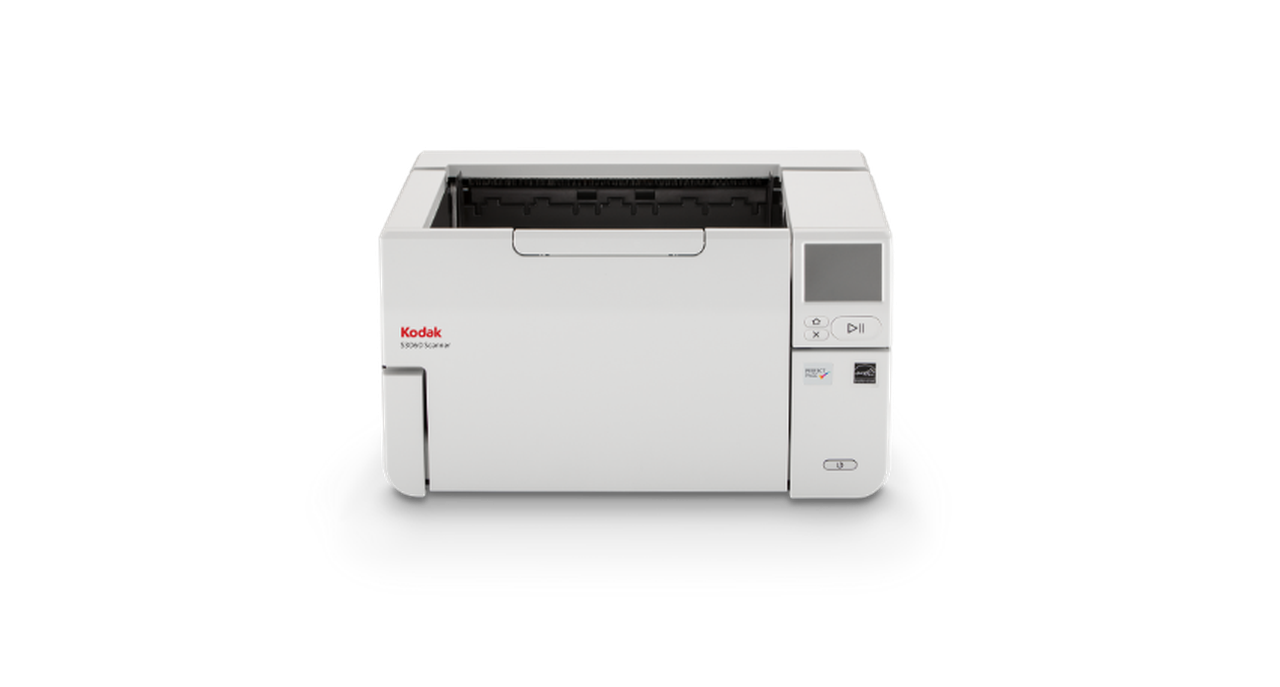
A versatile A3 scanner built for a wide variety of media
A powerful scanner built with a small footprint and designed for the best possible user experience
Register your scanner to ensure you get the most out of your investment.
Contact your Reseller to purchase supplies and consumables. If you don't know who your reseller is, please complete the Ask a Question form.