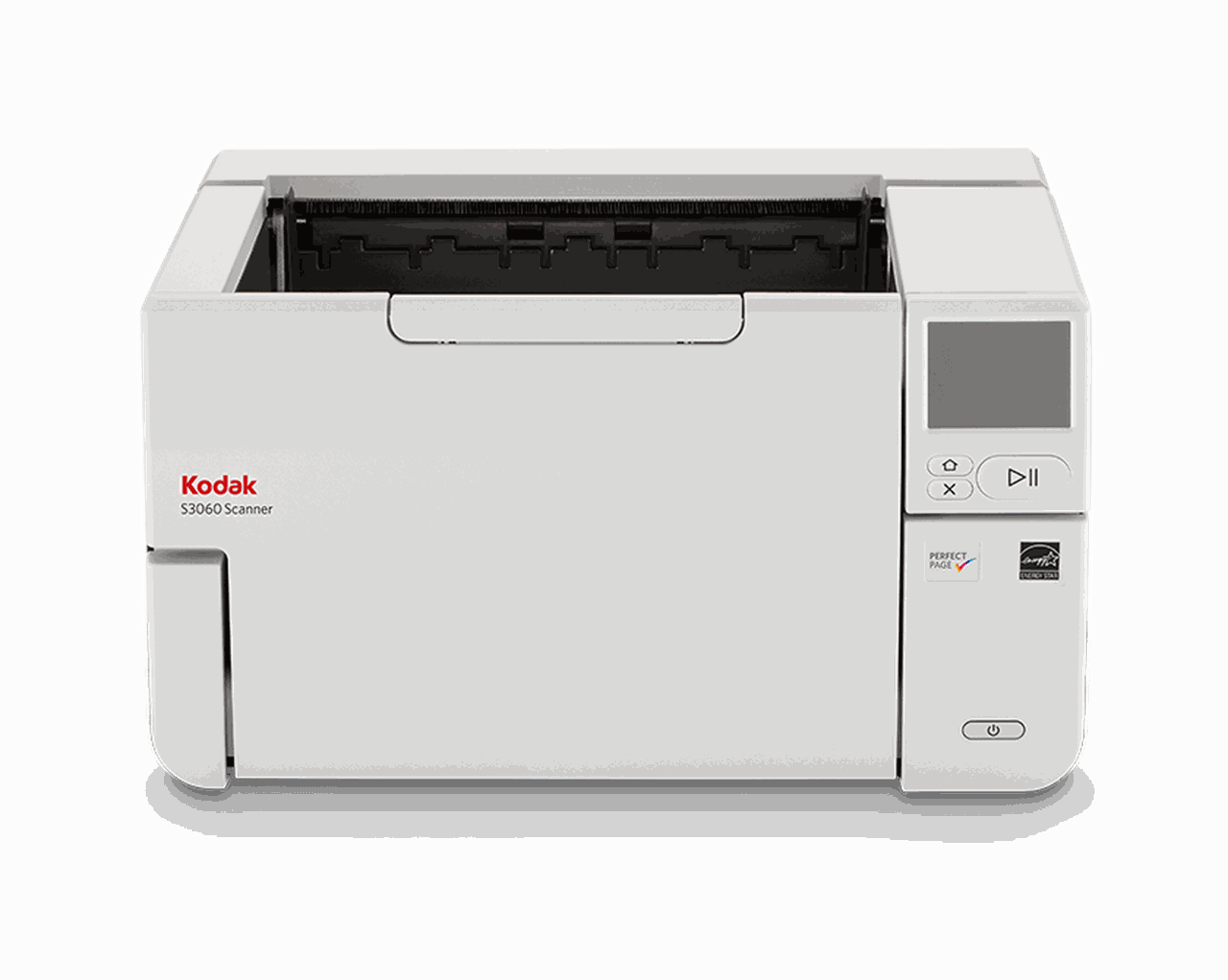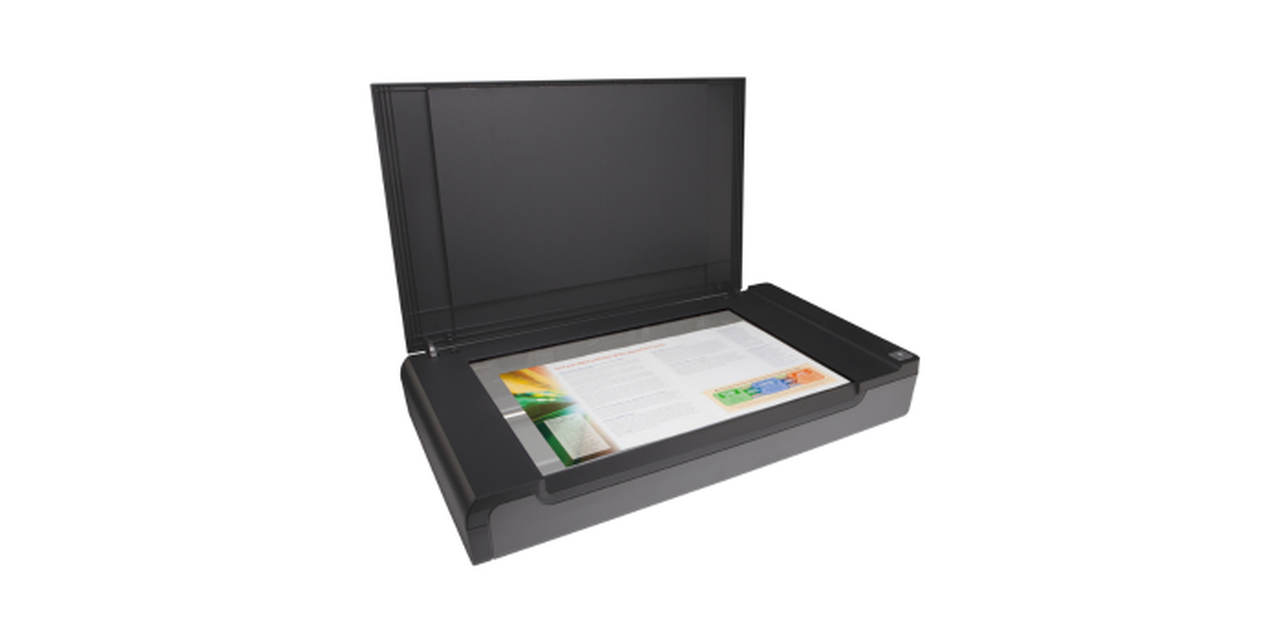
Includes: KODAK A3 Flatbed with black background, 2-meter (6-ft.) USB cable and power supply.
Usage: for scanning exception documents. Accommodates document sizes up to 305 x 457 mm (12 x 18 in.)
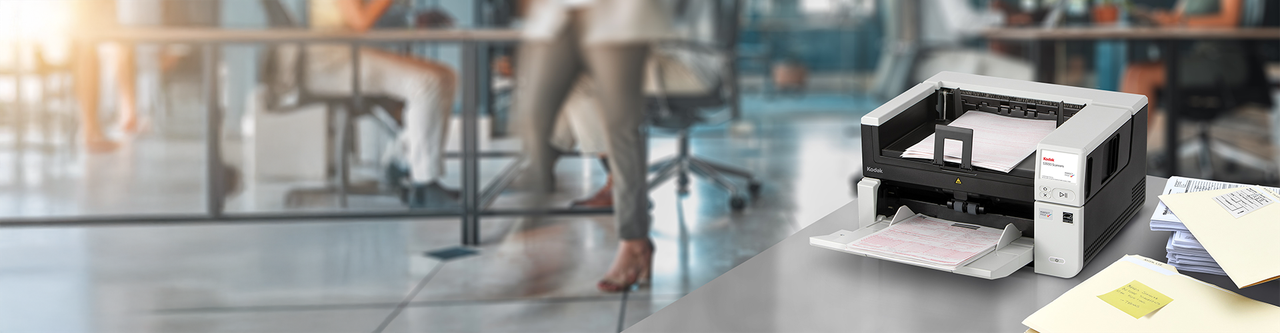
Scanners handle a wide range of document sizes and types, ready for today and tomorrow.
The KODAK S3090 Scanner offers multi-user scanning capabilities with built-in networking, making your work more efficient today and growing as your needs change. Our industry-leading image enhancement technology reduces file size while optimizing OCR accuracy, which means the S3090 helps you capture the best quality images and deliver data to exactly where it’s needed, perfect for collaborating in or initiating business processes. Reliable paper handling minimizes document damage and time spent at the scanner, making your processes faster, more accurate, and more efficient. Free bundled software lets you distribute data to where it’s needed at the touch of a button, while enterprise-grade security and integration features keep the scanner cost-effective and improve your profitability.
See why the KODAK S3000 Series Scanners are different:
Reduce PC demands, speed up scanning and improve efficiency

Large, intuitive color touchscreen, personalized workflows, and Smart Touch technology to automate complex tasks

Import information directly into applications via TWAIN, ISIS or RESTful API-based scanning

Secure boot solution, encryption of network traffic over Ethernet cable, and compatibility with USB 3.2 Gen 1x1
Image quality and accuracy are key requirements for superior OCR, searchable PDFs and barcode reading, and Perfect Page Technology automatically transforms poor quality originals into sharp images. Features such as stripe removal, background smoothing, and image edge filling can greatly improve image quality. You'll minimize manual data entry and be ready for future technologies such as RPA (Robotic Process Automation) to further streamline repetitive tasks and free up your workforce.
Benefits:
Maximize data readability, OCR accuracy, automation speed, profitability, file transfer and speed
Minimize file size, storage costs, data loss, total processing costs of automation failures, and wait times
A straight-through paper path and adjustable feeder enhance smooth, secure document handling. Mix documents of varying weights and sizes in any batch without problems with the large 300-sheet feeder, and controlled exit stacking ensures accurate mixed batch processing. Protect originals with Intelligent Data Protection, like our best-in-class multifeed detection sensor that alerts you to problems before jams occur.
Advantages:
Faster speeds minimize misfeeds and reduce overall time spent in the scanner
Intelligent document protection features increase security and reduce document damage and data loss
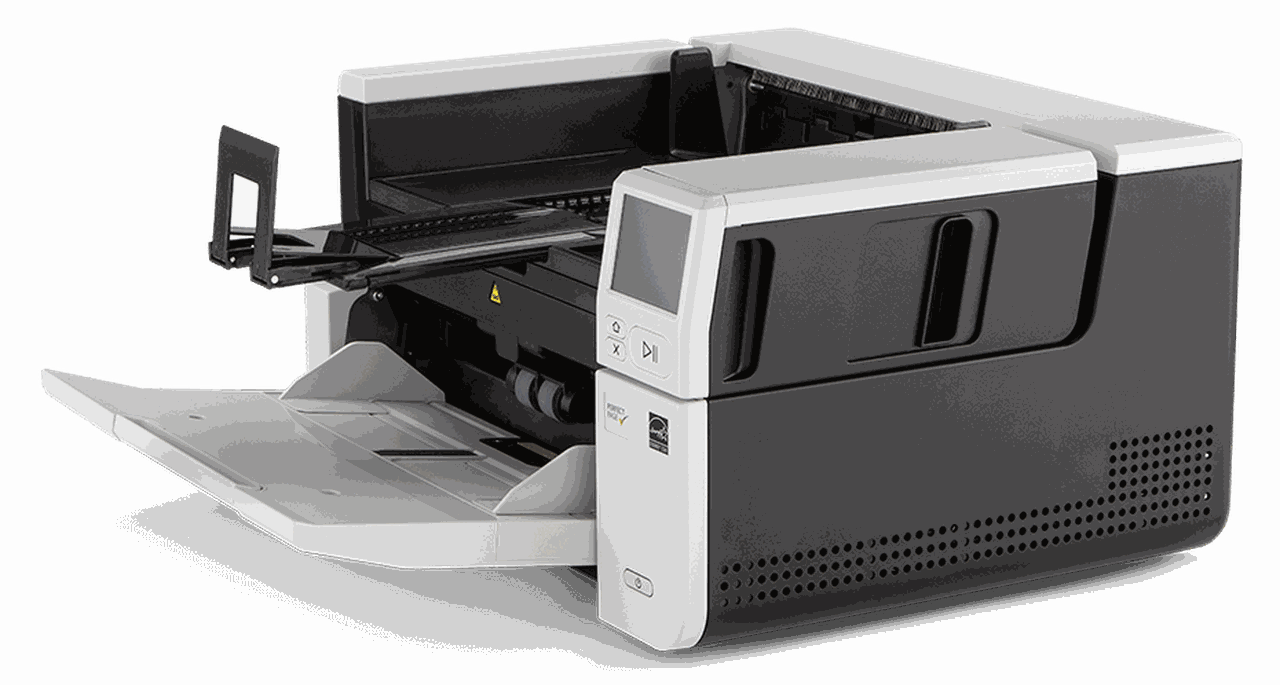
The KODAK S3000 Series achieves the best image quality inside the scanner, without compromising the scanner's rated speed or the PC's bandwidth. With built-in image processing, you don't need to rely on a high-performance PC because a powerful embedded processor processes the image in the scanner, not the PC. Intelligent barcode reading produces the most accurate data extraction results and makes document preparation easier.
Scanned documents may need to be distributed to individuals, teams, or systems for automation or storage purposes. Therefore, a multi-step process may be required: scan the document to a PC, find the file, rename the file, attach to an email, or open and find a location in the system.
The scanner features a large, intuitive color touchscreen and the ability to quickly configure personalized buttons for multiple users. Plus, it comes bundled with easy-to-use Smart Touch Technology, which lets you push a button to send data where it's needed, speeding up scanning and minimizing post-scanning work.
It is frustrating to have processes halted because you cannot access your data due to a scanner being unavailable. In a work environment where multiple people need to scan batches of documents occasionally, a dedicated scanner per person simply does not make financial sense, so sharing between teams can only be an inconvenient and time-consuming process. The scanner's network capabilities mean that the scanner is visible to any PC on the network.
Advantages:
This allows scanners to be shared without moving laptops or cables, and without the need for additional IT equipment – saving time and money.
Secure network scanning with HTTPS and TLS encryption standards
Make IT's job easier by using secure boot solutions to ensure only trusted firmware is loaded
Businesses need to send information in the right format to the right place, such as a network folder, FTP, cloud destinations like SharePoint or other ECM systems to streamline their processes. The scanner easily imports information into TWAIN-, ISIS- and Linux-based scanning applications. For broader connectivity, our RESTful (Web) API easily integrates into line-of-business applications, web-based scanning applications or mobile devices.
Or, you can seamlessly integrate KODAK Capture Pro Software or KODAK Info Input Solution for the broadest connectivity, automatically indexing and further leveraging your information for greater results.
Stay up and running, track supplies status with user notifications on the large color touchscreen, and know you’ve met the highest environmental standards with our EPEAT Gold rating. Protect your investment and maintain performance now and in the future with Kodak Alaris’ award-winning services and extended warranties.
Have a question? Fill out the information and someone will contact you soon.
| Product Highlights | Compact A3 scanner scans quickly and offers a straight-through paper path for thick or extra-long documents |
|---|---|
| Throughput SpeedsThroughput speed may vary depending on your choice of driver application software, operating system, PC and selected image processing features. | 90 ppm / 180 ipm |
| Feeder Capacity | Up to 300 sheets of 80 g/m² (20 lb.) paper |
| Connectivity | 10/100/1000 ETHERNET USB 3.2 Gen 1x1 CompatibleUSB 3.2 Gen 1x1 = USB 3.1 Gen 1 = USB 3.0 (5Gbps) |
| Maximum Document SizeThe maximum document size supported by the scanner will vary based on the output image resolution and image compression used. | 305 mm x 4.06 m (12 in. x 160 in.) |
| Minimum Document Size | 63.5 mm x 71.1 mm (2.5 in. x 2.8 in.)50 mm x 50 mm (2 in x 2 in) using hand feeding and straight paper path |
| Paper Thickness and Weight | 27–433 g/m² (7.2–160 lb.) paperRear exit for paper > 200 g/m² (110 lb.) |
| Maximum Optical Resolution | 600 dpi |
| Accessories and Consumables | Carrier Sleeves (5 PACK) Document Extenders Feeder Consumables Kits KODAK A3 Size Flatbed Accessory KODAK Enhanced Printer Accessory Printer Ink Cartridge and Carrier Rear Exit Tray Accessory |
| Acoustical Noise | Off or Ready mode: < 20 dB(A) Scanning: <60 dB(A) |
| Approvals and Product Certifications | Argentina (S mark) Australia/New Zealand (RCM) Canada (cTUVus & ICES-003) China (CCC) European Union (CE) European Union (GS Mark) India (BIS) Japan (VCCI) Mexico (NOM) South Korea (KC) Taiwan (BSMI) US (cTUVus & FCC) |
| Barcode Reading | Codabar Code 128 Code 3 of 9 EAN-13 EAN-8 Interleaved 2 of 5 PDF417 QR UPC-A UPC-E |
| Bundled SoftwareChoose one and download from the web | Capture Pro Limited Edition Smart Touch |
| Data Security | This scanner processes scanned data exclusively through volatile memory ensuring image data is effectively erased upon shut down.Read more about data security. |
| Dimensions and Weight | Dimensions (tray upright): Weight: 15.3 kg / 33.8 lbs |
| Electrical Requirements | 100-240 V (International); 50-60 Hz |
| Environmental Certification | 2008 EuP ENERGY STAR Qualified EPEAT Gold |
| File Format Outputs | BMPNative scanner and driver file format JPEGNative scanner and driver file format Microsoft ExcelAvailable with bundled applications Microsoft WordAvailable with bundled applications Multipage TIFFAvailable with bundled applications PDFAvailable with bundled applications PNGAvailable with bundled applications RTFAvailable with bundled applications Single-page TIFFNative scanner and driver file format Text searchable PDFAvailable with bundled applications |
| Image Output Resolution Options | Up to 1200 dpiSupported DPI: 100, 150, 200, 240, 250, 300, 400, 500, 600, 1200 |
| Network Protocols | DHCP (or static IP) TCP/IP |
| Operating System Compatibility | Kylin 10 (x86/x64 only) (Available in China only) Neokylin V7 (Intel x86/x64 only) (Available only in China) Open SUSE Leap-15.2 & 13.1 SUSE Enterprise Desktop-15.2 & 12.4 SUSE Linux Enterprise Desktop 12 SP2 64-bit Ubuntu 18.04 64-bit Ubuntu 20.04 64-bit WINDOWS 10 (32- and 64-bit) WINDOWS 11 (64 bit)Pro Version WINDOWS Server 2012 R2 X64 Editions WINDOWS Server 2016 X64 Editions WINDOWS Server 2019 X64 Editions WINDOWS Server 2022 X64 Editions |
| Operating Temperature and Humidity | Operating Humidity 15% - 80% RH Operating Temperature 10-35° C (50-95° F) |
| Optional Software | Capture Pro Software Info Input Solution |
| Paper Path Options | Documents can exit into the front output tray, or at the rear of the scanner if the straight-through paper path option is manually selected |
| Sure Path Features | Controlled stacking Enhanced jam recovery Interactive Operator Control Panel (OCP) Length Multifeed Detection Rear exit Ultrasonic Multifeed Technology |
| Perfect Page Features | Adaptive threshold processing Add or remove border Auto white balance Automatic Brightness/Contrast Automatic color balance Automatic color detection Automatic orientation Automatic photo cropping Background color smoothing Barcode reading Black and white image segmentation Brightness and contrast adjustment Content-based blank page removal Continuous Scanning Mode Digital stamping Dual stream scanning Electronic color dropout Enhanced color adjustment Enhanced color management Fixed cropping Fixed thresholding Halftone removal Image edge fill Image hole fill Image merge Image split iThresholding Multi-lingual auto orientation Multicolor dropoutNot available when scanning with AQIST for FADGI compliant images Output Compression-CCITT Group IV, JPEG, Uncompressed Output Rear side printer Relative cropping Sharpening Streak filtering |
| Power Consumption | Running: less than 50 watts Sleep Mode: less than 4 watts Standby: less than 0.3 watts |
| Scanning Technology | Dual RGB LED Illumination CIS (CMOS); Grayscale output bit depth is 256 levels (8-bit); color output bit depth is 24 bits (8 x 3); color capture bit depth is 48 bits (16 x 3) |
| Standard Software and Drivers | Citrix certified ISIS Drivers KOFAX certified LINUX (TWAIN and SANE) Drivers TWAIN Drivers WIA Drivers |
| Prices | $$$ |
Le PDF ci-dessous contient des informations sur la garantie, y compris la garantie, l'extension de garantie et les options post-garantie.
Select your country to see its warranty information.
Kodak Alaris offers an array of Professional Services. The Professional Services range from Technical Assistance offerings (e.g., Installation, Training) to Optimization Services (e.g., Capture Workflow Assessments) and more. To inquire or purchase, contact us.
Keypoint Intelligence, le principal testeur indépendant de produits d'imagerie documentaire, a décerné à Kodak Alaris le prix de la gamme de scanners de l'année 2023 du Buyers Lab (BLI).
Kodak Alaris remporte le prix de la gamme de scanners de l'année décerné par BLI cinq années sur les six dernières.
Keypoint Intelligence, leader mondial des évaluateurs indépendants de produits d'imagerie documentaire, a récompensé Kodak Alaris en lui décernant le prix Buyers Lab (BLI) de la Gamme de scanners de l'année 2022.
Includes: KODAK A3 Flatbed with black background, 2-meter (6-ft.) USB cable and power supply.
Usage: for scanning exception documents. Accommodates document sizes up to 305 x 457 mm (12 x 18 in.)
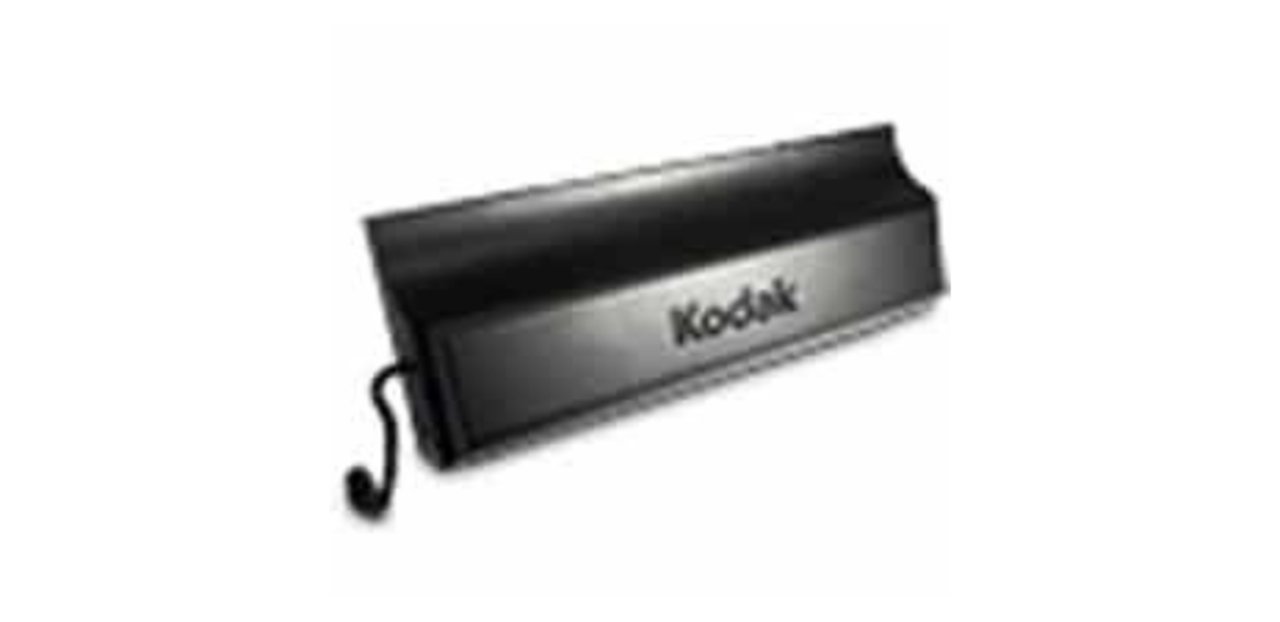
Document imprinting accessory (rear-side, post-scan imprinting of up to 40 alphanumeric characters, with 11 imprinting positions).
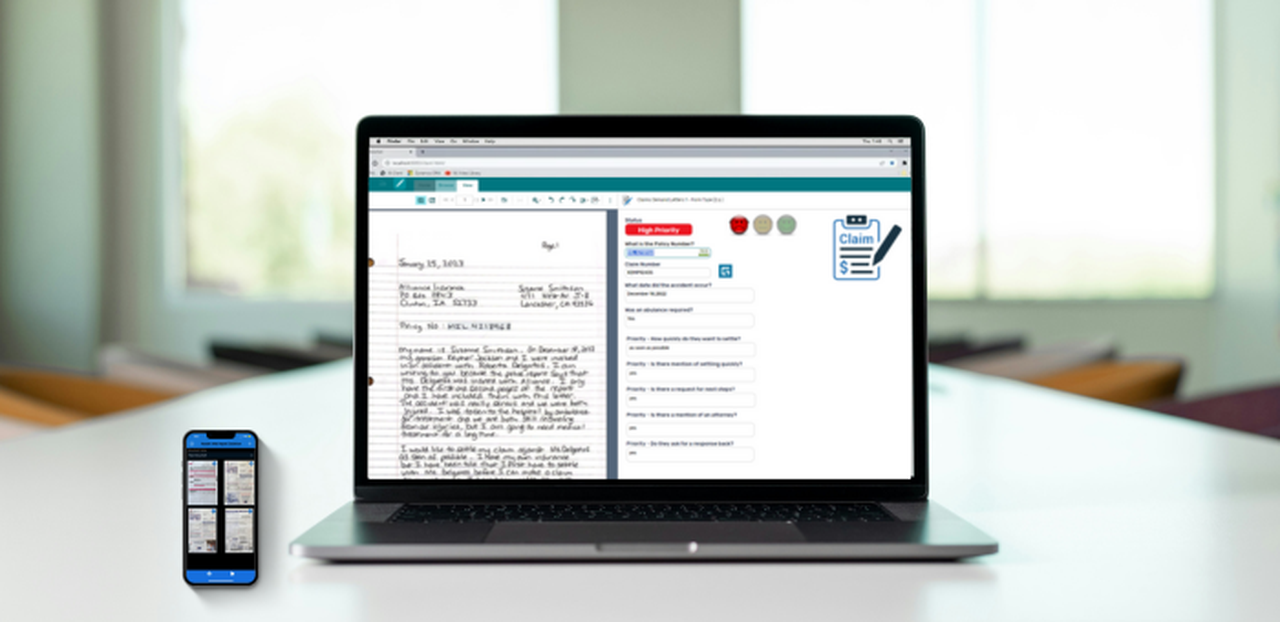
Un logiciel de traitement de documents intelligent qui automatise et simplifie le parcours depuis l'arrivée du document jusqu'à son utilisation dans les processus de l'entreprise, avec rapidité, précision et fiabilité.
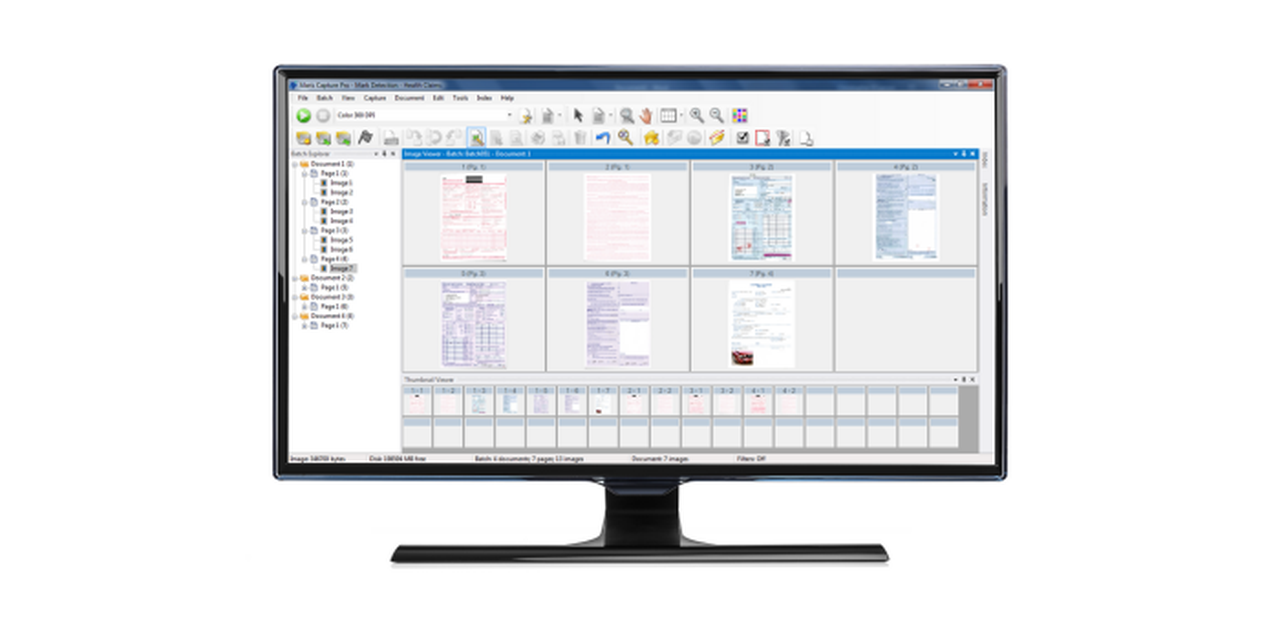
Convertissez rapidement et avec précision de grands volumes de documents papier en images de haute qualité utilisables par votre entreprise.
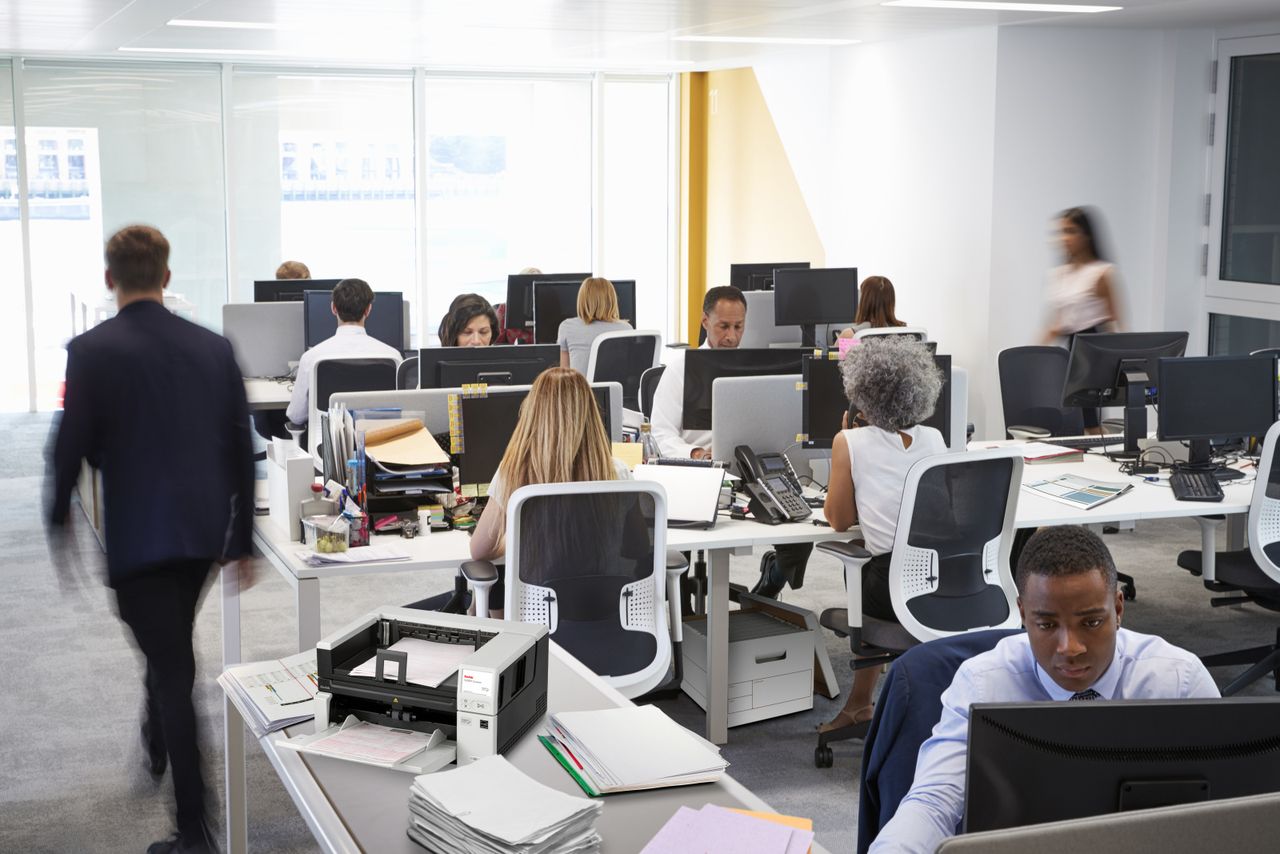
Explore options to ensure you get the most out of your scanner and software investment.

Kodak Alaris can assist you with your technology by providing basic product installation, product upgrades, business relocation, and setup.
Download the latest S2085f/S3000 TWAIN driver here
Operating Systems that were tested with this release are listed in the notes below.
For a complete list of supported operating systems, please visit our product specification page.
Download the latest S2085f/S3000 ISIS driver here.
Please Note: Customers must install the TWAIN driver prior to installing ISIS.
Operating Systems that were tested with this release are listed in the notes below.
For a complete list of supported operating systems, please visit our product specification page.
Tested operating systems:
Go to the full list of specifications and see the release notes for details.
NOTE : *32-bit and 64-bit LINUX driver files do not include instructions. Unzip the file (eg: tar -xf *.gz) and then run the setup script (ie sudo ./setup). Networking using Linux is not supported.
**Please install the UOS driver in the UOS App Store.
Deb Linux 32 BitRPM Linux 32 BitDeb Linux 64 BitRPM Linux 64 BitRPM Neokylin V7 (MIPS)DEB Kylin 10 (MIPS)
Latest firmware for KODAK S2085f/S3000 Series Scanners
Release Notes Firmware - Windows Firmware - Web Browser (.sig)
To create a secure file to configure the network settings of the KODAK S2085f/S3000 Series Scanner, click the Download button to accesshttps://easysetup.kodakalaris.com This website allows:
Creates a printable encrypted QR code document. Then scan the document to configure the scanner's configuration, including network configuration. For more information, view the User Guide Part 2: How to use EasySetup document.
Save PDF documents so they can be distributed to remote users later for scanner setup
Once the encrypted QR code is printed, it is used by executing the EasySetup option under the scanner OCP's Setup menu.
Capture and index critical data to deliver smarter information to ECM systems and business applications, streamlining your workflows and procedures.
Smart Touch software allows you to easily create searchable PDFs (or other types of images) and send documents to a file location or common cloud services with the push of a button.
Please read the Release Notes before downloading. By downloading from Kodak Alaris, you agree to the terms and conditions outlined in the License Agreement.
Install Smart Touch Export Tool v1.8 from the bottom of this page to install a tool for exporting Smart Touch settings shortcuts from one computer to another.
This tool is only available for Windows operating systems.
The download includes user documentation.
The KODAK S2085f/S3000 Series Scanners have been certified by KOFAX for integration with the following VRS versions:
VRS Elite 5.2 <- Component Installer Update Required
For more information, see KOFAX Scanner Configurator
Kodak Alaris offers a variety of integration options for our scanners. We offer traditional thick client integration options through TWAIN, ISIS and WIA drivers and an easy-to-use scanner SDK. We also use a best-in-class RESTful Web API to integrate to network-enabled scanners from any platform without the need to install host drivers.
Not available in Français: Collect Debug Logs All Products.
Please contact your dealer to purchase supplies and consumables. If you do not know who your dealer is, please complete the Ask a Question form.
Protecting Customer Information — Scanners from Kodak Alaris process scanned data exclusively through volatile memory ensuring image data is effectively erased upon shut down.
This scanner contains non-volatile storage (NVRAM), and volatile memory (SDRAM).
Volatile memory is used to store customer image data. It is erased when the device is turned off.
Non-volatile memory is used to store program data, scanner settings, and scanner calibration data. No customer image data is stored in non-volatile memory.
The only scanner settings stored permanently are the Energy Star settings. No other customer data is stored in the non-volatile memory.
NOTE: The image data is passed to a PC which has its own ability to store images and information. The customer will also need to consider what precautions must be taken to secure the data on the PC.
Veuillez vous référer aux étapes d'installation du Chapitre 2 du Guide de l'utilisateur pour terminer l'installation.
Les scanners KODAK S2085f et S3000 prennent en charge le scanner A3 à plat.
Pour obtenir des informations sur les matériaux disponibles, consultez le Catalogue de fournitures et de consommables pour les scanners KODAK
L'une des caractéristiques de sécurité des scanners de la série S2085f/S3000 est le cryptage symétrique des données encodées dans le code-barres des feuilles EasySetup. Nous avons pris des mesures pour garantir que les données de configuration qui sont encodées dans ce code-barres ne peuvent pas être extraites.
Les scanners de la série S2085f/S3000 comprennent un "mode utilisateur unique" qui permettra à un seul PC hôte d'accéder à un scanner par le biais d'une connexion réseau. Si le scanner est configuré pour le mode mono-utilisateur, le premier PC à se connecter au scanner sur un réseau devient l'unique " propriétaire réseau " du scanner. À partir de ce moment, la propriété réseau du scanner ne peut pas être effacée ou chargée sans réinitialiser le scanner aux paramètres d'usine, ce qui nécessite un accès physique au scanner.
Essayez de mettre à jour le pilote du chipset de votre bus USB, d'utiliser un port USB 2.0 uniquement ou d'utiliser un câble USB 2.0.
Cette erreur se produit lors d'une tentative de numérisation sur le réseau avec le scanner en mode mono-utilisateur. Le scanner doit être en mode multi-utilisateur pour permettre des numérisations réussies sur le réseau.
Pour activer le mode de numérisation multi-utilisateur - sur le panneau de commande de l'opérateur :
Sélectionnez les trois lignes dans le cercle vert en haut à droite.
sélectionnez "sharing mode" (mode de partage)
sélectionnez "mode utilisateur multiple".
Redémarrez le scanner et l'application de numérisation.
Veuillez consulter notre Guide de dépannage du Scanner série S2085f / S3000 pour obtenir de l'aide.
Pour savoir comment contacter l'assistance Kodak Alaris, rendez-vous sur Services et assistance Kodak Alaris.
Les scanners départementaux des séries KODAK S2085f et S3000 apportent de nombreuses innovations qui améliorent l'expérience de la numérisation. Outre des vitesses de numérisation de documents plus rapides par rapport à la génération précédente, les nouveaux scanners utilisent un traitement d'image embarqué qui supprime la tâche de traitement d'image de la machine hôte. Cela accélère les opérations et peut améliorer le flux de travail de l'opérateur du scanner. En outre, les Scanner S2085f et Série S3000 sont équipés de la numérisation basée sur le réseau qui permet au scanner d'être connecté au réseau au lieu d'un câble USB traditionnel.
Le démarrage sécurisé est une nouvelle fonctionnalité des scanners KODAK S2085f et de la série S3000. Elle renforce la sécurité de votre organisation en garantissant que le système d'exploitation du scanner est une installation légitime et autorisée et que le système d'exploitation n'a pas été altéré.
Want to recycle? Kodak Alaris offers recycling services.
Have a question? Fill out the information and someone will contact you soon.
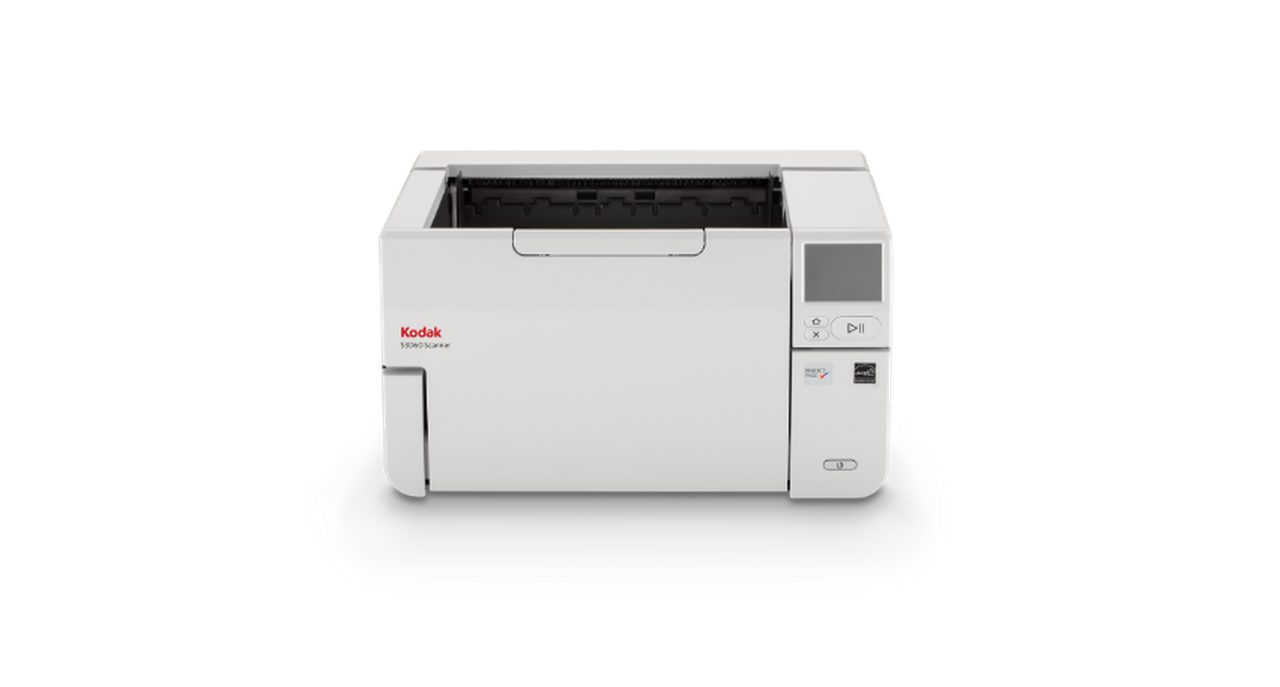
The KODAK S3080 Scanner is ideal for any multi-document process that requires digitizing critical business data on paper at the edge of the process.
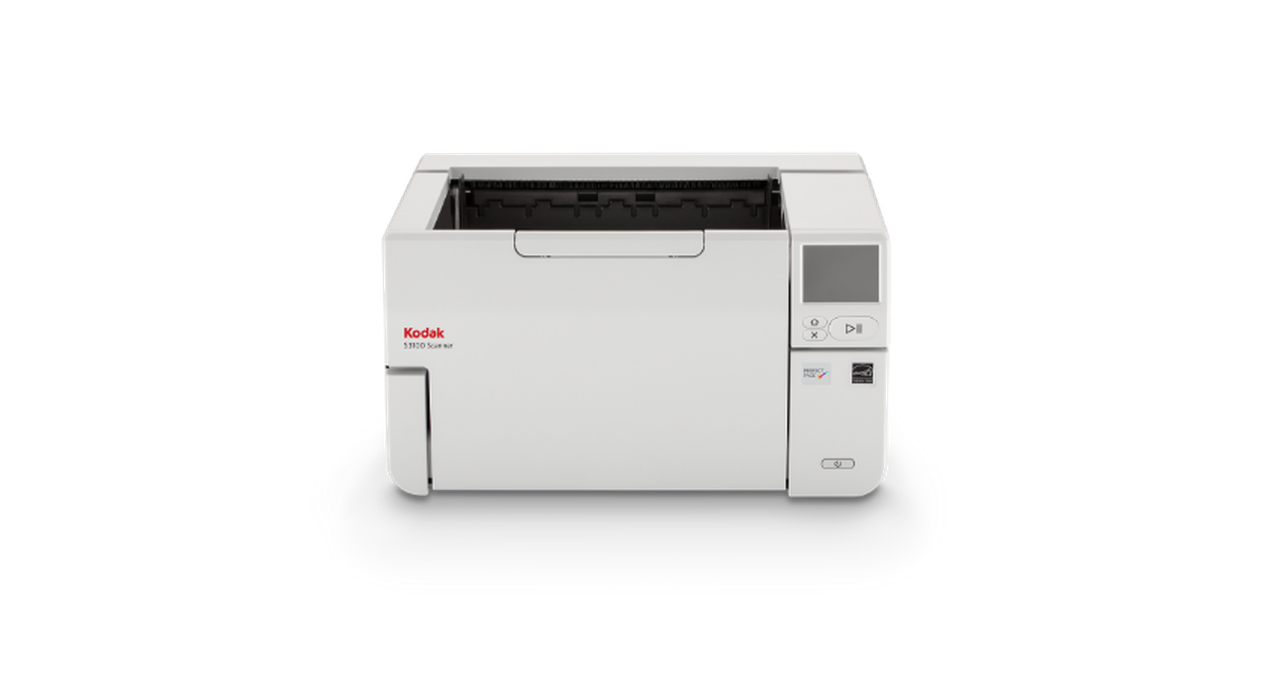
The KODAK S3110 Scanner is designed to enable you to efficiently handle scanning jobs with high volumes of mixed documents. Reliable paper handling minimizes document damage and time spent at the scanner, helping to increase employee productivity, improve speed, and increase profitability.
Register your scanner to ensure you get the most out of your investment.